Integrations
Pendo Integration
Connect Pendo to ask about feature adoption, guides, NPS, session replays and Listen feedback while you write.
Connect Pendo to bring product usage data into ChatPRD. While you write, ask about page and feature adoption, visitor and account behavior, guide and NPS performance, session replays, and Listen feedback and ideas.
Requirements
- A Pro, Team or Enterprise plan (trials included).
- A Pendo admin must enable the MCP server for your Pendo subscription.
- Pendo is rolling out gradually, so you may not see it in Settings yet.
Connect Pendo
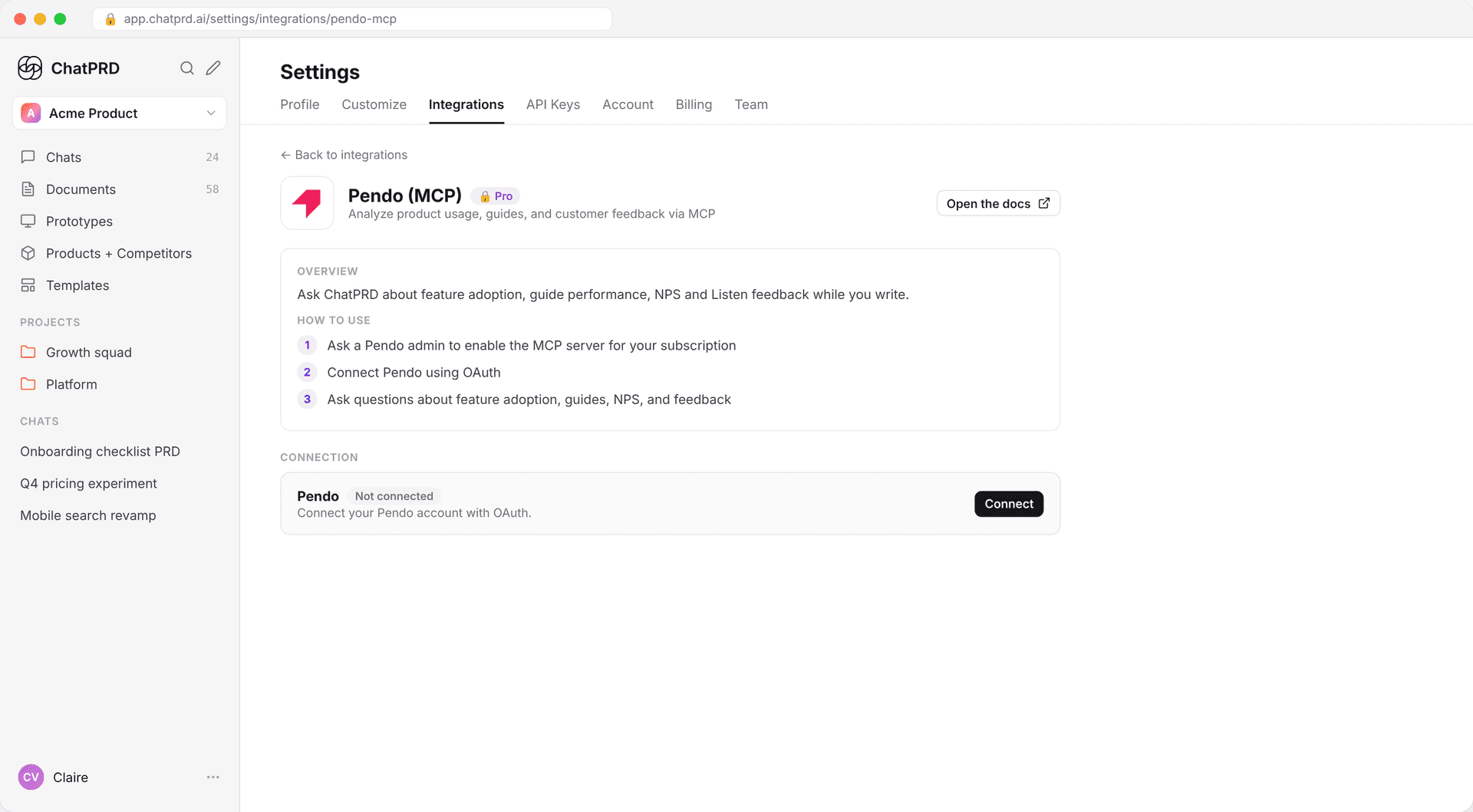
- Ask a Pendo admin to enable the MCP server for your Pendo subscription.
- In ChatPRD, go to Settings > Integrations and open Pendo under MCPs and Connectors.
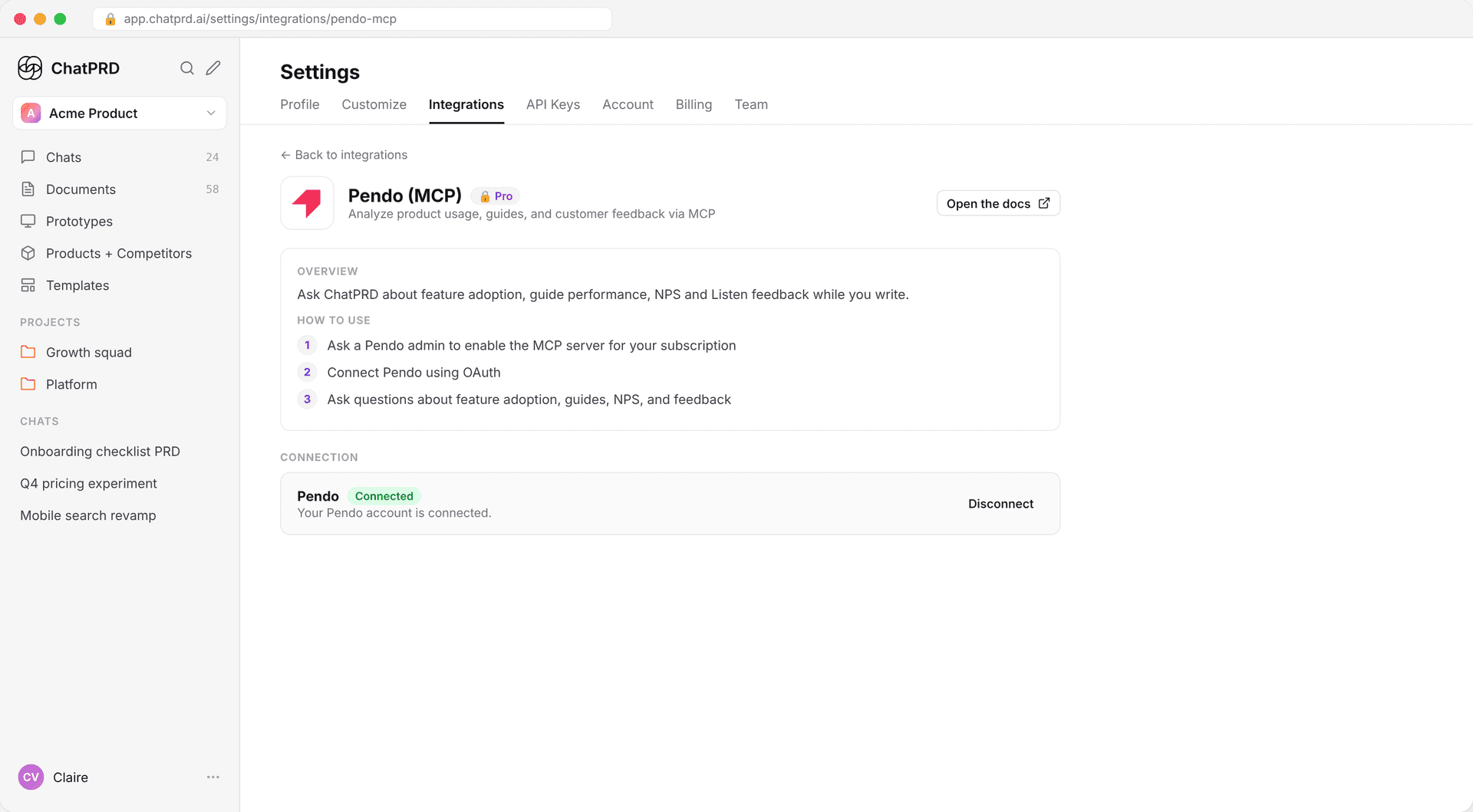
- Click Connect and sign in with Pendo. There's no API key to copy.
- The connection shows as Connected.
Ask about Pendo in chat
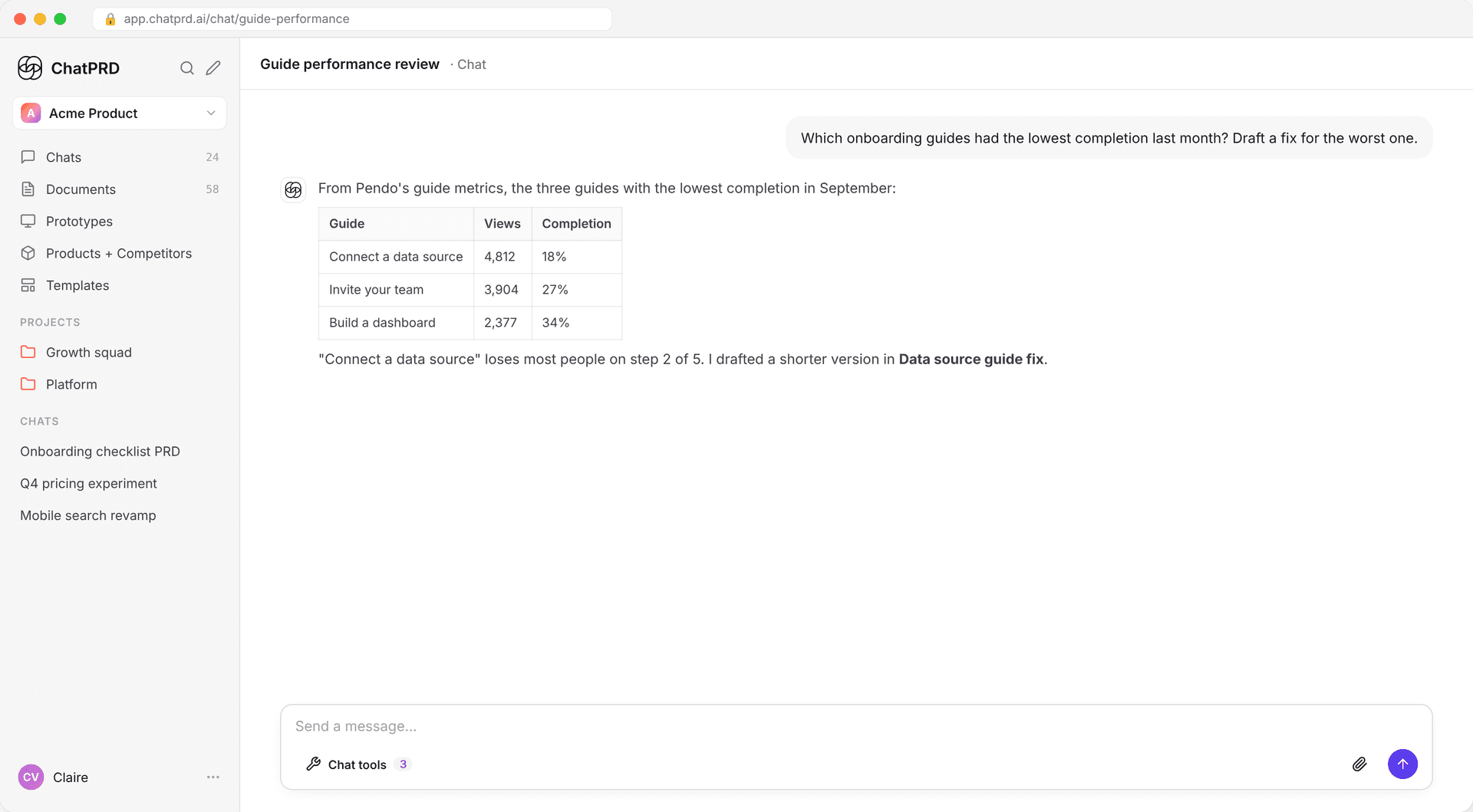
- In a chat, open Chat tools (the wrench) and switch on Pendo.
- Ask a question, for example:
- "Which onboarding guides had the lowest completion last month?"
- "How has adoption of the new export feature changed since launch?"
- "Summarize recent Listen feedback about search."
ChatPRD pulls the numbers from Pendo into its answer, so you can use them in your PRDs and briefs.
Reconnect Pendo
If the Pendo sign-in expires, Pendo shows Needs Authentication in Settings and in Chat tools. Click Reconnect to sign in again. See Tool Selector.
Disconnect
Go to Settings > Integrations > Pendo and click Disconnect.
Related
Last updated Oct 12, 2026
Ready to get started? You can try ChatPRD for free 👉Sign Up Now