Same Google (or Sharepoint) Doc. Better PRD.
Review PRDs in Google Docs, update the same Doc, connect SharePoint and Pendo, and try ChatPRD in ChatGPT.

Claire Vo
Originally sent on October 9, 2026 in the ChatPRD newsletter. Product details, events, and offers reflect that date; past deadlines and discount codes may have expired.
Your team lives in Google Docs. ChatPRD feedback should, too.
You can now review a Google Doc without making a copy, publish updates to the same Doc, and bring files in and out of SharePoint.
Plus, we've shipped new models, a Pendo MCP, and a ChatGPT plugin to try with your next product idea.
Let's jump in 🥳
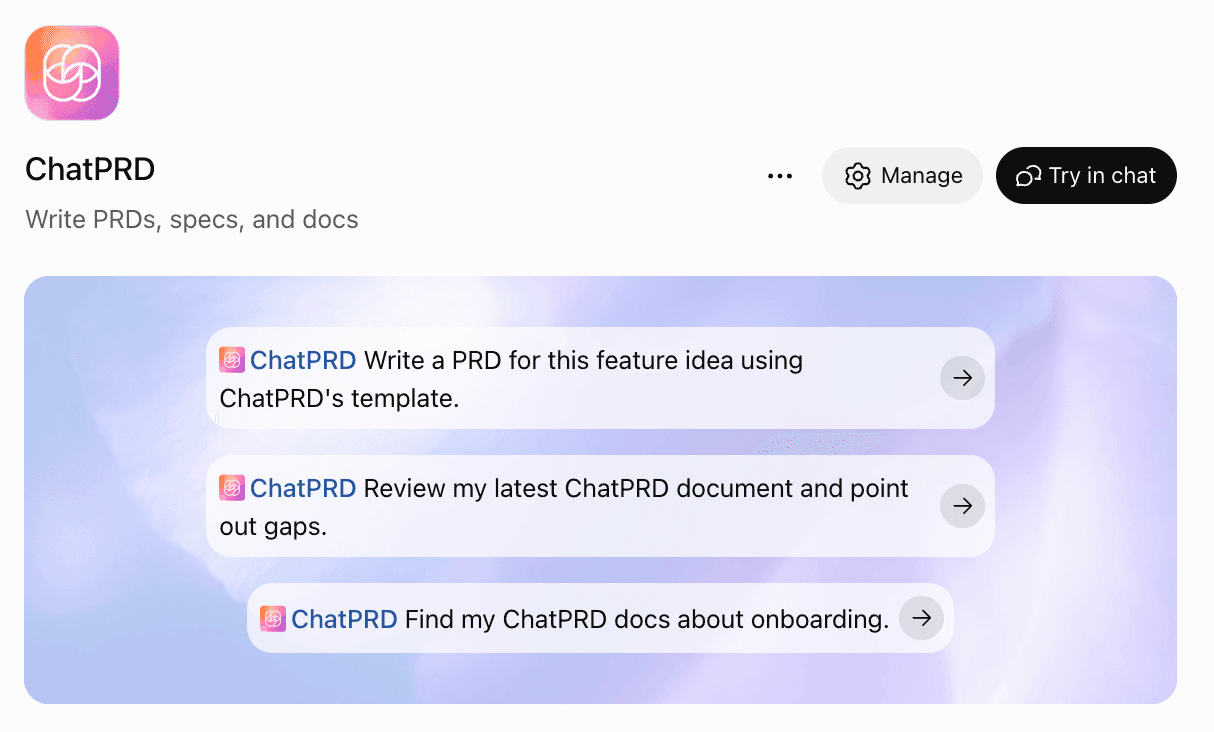
💬 ChatPRD is now in ChatGPT
Already working through a product idea in ChatGPT? Our new plugin lets you draft PRDs with ChatPRD’s built-in templates and review a doc for gaps, right in the conversation. You don’t need a ChatPRD account to get started.
Connect your ChatPRD account to find, save, and update your existing docs and use your own templates. Try asking: “Review my latest ChatPRD document and point out gaps.”

📝 Review your PRD right in Google Docs
Open Review my doc and choose Review in Google Docs. ChatPRD reads the original doc, highlights its feedback beside the relevant passages, and gives you a score across strategy, structure, clarity, and completeness.
Publish a comment or suggested edit with one click, or publish the whole review. You decide what goes back into the doc, and your team can keep reviewing in the place they already work.

🔌 Bring SharePoint and Pendo into the conversation
Teams using SharePoint can now import files from SharePoint and OneDrive, then export a ChatPRD doc back as a Word file. Already connected? Reconnect SharePoint to enable exports.

With Pendo, ask about feature adoption, guide performance, NPS, and customer feedback, then use what you learn to shape your next spec. Your Pendo admin will need to enable its MCP server before you connect.
🧠 GPT-6.1 Sol and Claude 5.5 are in ChatPRD
The chat model picker now includes GPT-6.1 Sol, Claude Sonnet 5.5, and Claude Opus 5.5 for paid plans and active trials. Auto now uses GPT-6.1 Sol, and saved selections from the previous models move over automatically.
Try one on a doc you already know well: ask it to challenge your assumptions, find missing requirements, or turn a rough idea into a first draft. Email me and tell me which model you reach for. hello@chatprd.ai

Try the new models in ChatPRD →
🔄 Keep the same Google Doc up to date
Export once, then keep the same Google Doc current. Choose Update Google Doc to preview and publish your changes at the same link, with the same sharing. Google-side edits or comments stop an update so you can review them before replacing anything.

📚 Next cohort: December 2 and 3
Zach and I are teaching the next cohort of Executive Playbook for AI in Engineering, Product, and Design on December 2 and 3. If everyone on your team has an AI tool but your planning and review process still looks the same, bring that problem. We’ll work through what to change across engineering, product, and design.
You’ll get two half-days live, guest firesides, and three follow-up office hours over 90 days to help you put it into practice.
See the syllabus and join the December cohort →
🎙 How I AI: ChatGPT Sites with Kath Korevec
What would you build if the app could use your team's actual data? Kath Korevec shows me an incident dashboard built with ChatGPT Sites, then a weekly music discovery app and a collaborative 3D dungeon crawler. Watch for the dashboard; stay for the very different answers to that question.
Watch Kath build with ChatGPT Sites →
⚡ Jev workflows with John Lindquist
John Lindquist brings Jev into voice-controlled apps, messy-data cleanup, and a command bar that figures out what you want to do. I like this one for product people: the demos make it easy to imagine where a small, fast decision could change how your own app feels.
🪐 Around the ChatPRD Universe
We've brought back the pop punk release videos!


