How I AI: Grok Bot Designers on Building Living Websites and Automated Design Systems
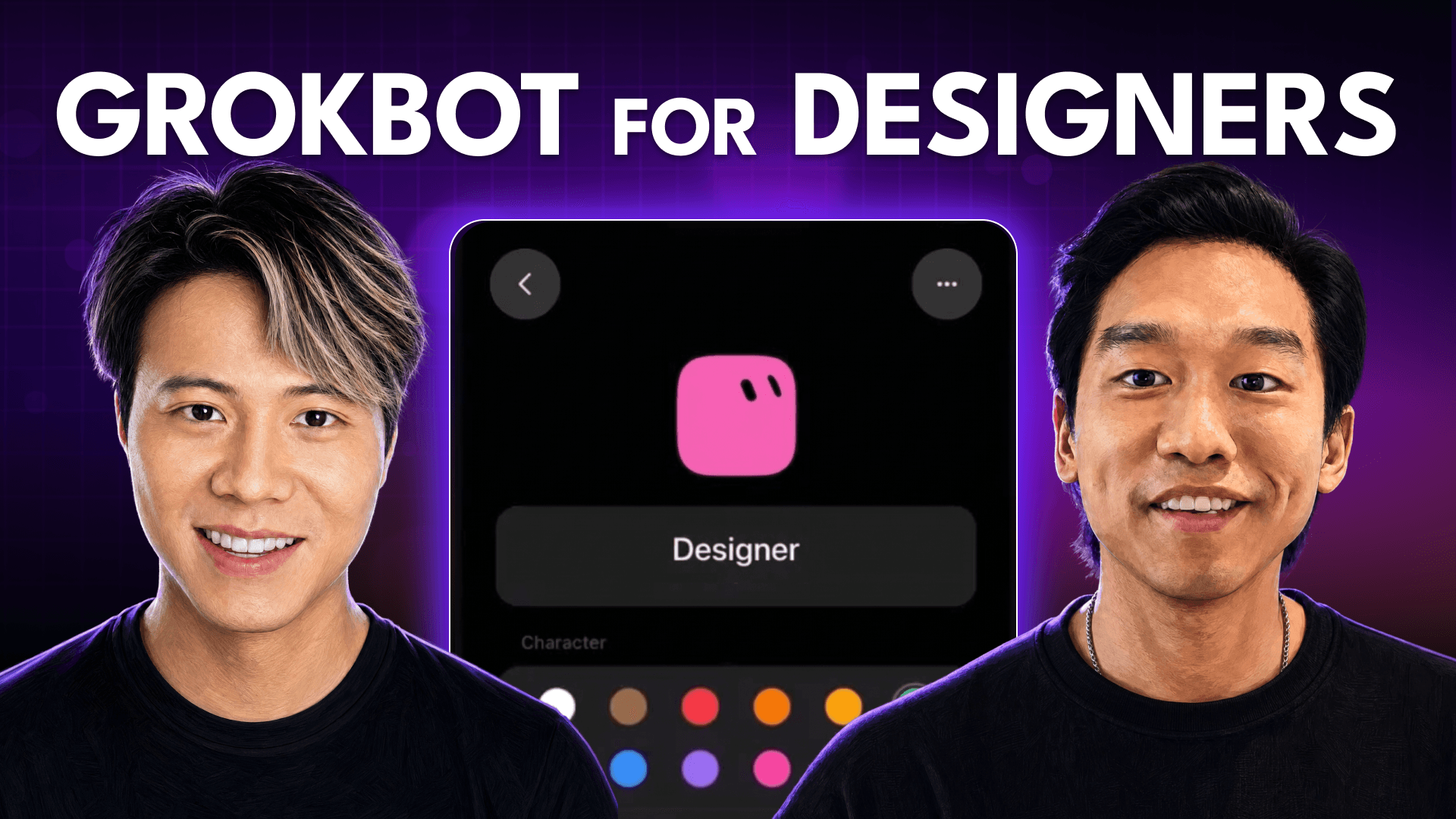
Grok Bot designers Peng Zheng and John Bai show how they use their own tool to build a self-updating personal site with a photo check-in pipeline and automate production design in Figma directly from voice memos.

Claire Vo
Workflows from this episode
- How to Turn Voice Memos into Interactive Prototypes Using AI Agents
- Automate Repetitive Figma Tasks with a Custom AI Design Bot
- How to Create a Self-Updating Personal Website with AI-Generated Art
Episode outline
Welcome back to How I AI! I’m Claire Vo, and I’m on a mission to help you build better and smarter with new AI tools. It’s always special when you get to talk to the designers of a product about how they actually use it themselves. When a tool is good enough that its own creators rely on it for their daily work, you know there’s something powerful there.
In this episode, I was so excited to sit down with John Bai and Peng Zheng, two brilliant designers from the Grok Bot team. They are living right on the cutting edge, not just shaping the future of AI agents but using them to redefine their own creative processes. We get into some truly inspiring and practical workflows that I think will resonate with any creative professional, developer, or anyone who just wants to get more done with less toil.
Peng shows us something I’ve dreamed of: a beautiful, designer-quality personal website that updates itself automatically. Then, John walks us through how he uses Grok Bot to do his job, from automating tedious production design with a bot he named FigmaBro to turning rambling voice memos into fully interactive prototypes. What I love most is the shared philosophy here: using AI to get off your computer, not stay on it longer. Let’s get into how they do it.

Workflow 1: Peng's Living Personal Website
One of the biggest challenges for any designer is the personal website. You pour endless hours into making it perfect, launch it, and then it immediately starts collecting dust. It's static. Peng had this exact problem and solved it in a really inventive way, turning his site into a living record of his life.
It all started with a random thought while looking at a Chinese takeout box. He wondered if the temple on the box was a real place, which led him on a trip to San Francisco’s Chinatown. He didn't find the temple, but he took a photo of a small produce shop, and later, while waiting for the bus, used AI to transform it into a 3D clay miniature. He dropped that onto his minimal homepage with the text, "Last seen at JBC Market in Chinatown." That sparked the idea: what if his website could always reflect where he’s been and what he’s up to, automatically?

Building the Check-in Pipeline with Grok Bot
Instead of getting bogged down planning a complex system with a CMS and an admin portal, Peng just started talking to Grok Bot. He didn't have a formal spec or even a complete vision. He simply started with the core idea:
"Here is the idea. Uh, what's the simplest way to do it? How can we make this work?"
From there, he and the bot built the system piece by piece. The result is an elegant check-in pipeline that powers his entire site.
Here’s how the workflow functions:
- Input Anything: Peng can send his dedicated check-in bot a photo, a screenshot, or just the name of a place (like "Bernal Heights Peak").
- Location ID: The bot uses the Google Places API to find the exact location and geographic coordinates.
- Image Generation: This is where the magic happens. The bot processes the image—fixing the perspective, removing people, and isolating the building’s facade. Then, it generates two images in Peng's signature "3D miniature" style: a light mode version and a dark mode version where the building's lights turn on. The consistency between the two is baked right into the prompt.
- Publish: The bot structures the data (including location, images, and even friends he was with by pulling from their social profiles) and publishes it directly to his personal website.
During the episode, we tested it live. I suggested we were all hanging out at the swing on Bernal Heights Peak. Peng fed the location and our social handles to his bot. In just a few minutes, his website was updated with a beautiful, custom 3D illustration of the swing. It’s a perfect example of a low-friction workflow that produces a unique, high-quality result.

Workflow 2: FigmaBro, Your AI Design Spotter
John has a fantastic motto: "I use AI to get me off my computer, not on my computer." His first workflow is the perfect embodiment of this. He was at the gym, wrapping up a workout, when a colleague Slacked him with an urgent design request: take a set of icons and place them consistently on a series of brand assets.
Normally, this would mean stopping his workout, rushing to his laptop, and spending time on tedious, repetitive production work in Figma. Instead, he turned to FigmaBro.

How FigmaBro Automates Production Design
FigmaBro is John's personal Grok Bot template, configured to act as his design assistant. It's connected to Figma and has been taught his preferences for things like artboard layouts and spacing. The process was incredibly simple:
- Input from the Phone: John took two screenshots in Figma on his phone: one of the icons from an icon library and another of the artboards that needed the icons.
- A Voice Memo Prompt: He sent the screenshots to
FigmaBroalong with a quick, conversational voice memo. No precise language was needed. He just explained the situation:
"Okay, here's the situation. I have a link in Figma as an example. On the left, I have a screenshot of a couple of icons that need to be essentially placed next to each of the bots in the exact same placement. I have the second screenshot, which shows ones that don't have an icon next to them. So take the icon, scale it up, put it in the same position as the rest of the bots that I've screenshotted, and ensure that they're in the same position, scaled-up icon so that I have a whole set of these. If anything is unclear, tell me."
- AI Takes Over: The bot went to work. It produced three outputs, which John quickly reviewed. He pasted the results into Slack, and the task was complete. All while he was still at the gym.
He showed another example where he needed to create a whole set of marketing materials for Grok Bot's new bot marketplace. He created one template in Figma, then told the bot to apply that styling across all the other assets, pulling from brand book backgrounds and updating the copy for each. While we were on our call, the work was getting done in the background. It’s a powerful way to delegate production tasks and free up time for higher-level creative thinking.

Workflow 3: From Shower Thought to Interactive Prototype
Every creative has experienced this: you have a brilliant idea for an interaction or a new feature, but the path to seeing it live is filled with friction. You have to convince a product manager, justify the ROI, and pull an engineer off other tasks. Often, the idea just dies.
I call this the "trash can method of software development"—the ability to build things with the assumption that it's completely inexpensive to throw them away. John’s next workflow is a masterclass in this. He uses bots to turn his fleeting ideas into high-fidelity, interactive prototypes almost instantly.
Prototyping a Share Animation
The idea was for a slick animation when a user shares a Grok Bot agent: a 'screenshot' effect where the agent's UI shrinks down into a shareable card. Instead of writing a spec or mocking it up with noodles in Figma, he just captured the thought.
- Capture the Idea: While on the go, he took a screenshot of the mobile app experience.
- Record a Voice Memo: He sent the screenshot to his
DevBot(which works with another bot,Experiments) along with a rambling voice memo describing the animation. - Bot-to-Bot Collaboration: This is fascinating. His
DevBotactually talked to another specialized bot he callsMotion Godto work out the complex transitions and motion design. He didn't have to check in; the bots handled the collaboration themselves. - Review the Prototypes: When he came back, he had two working, interactive prototypes ready for him to click through. One was the full screenshot-and-zoom effect, and the other was a more subtle variation.

In the end, he decided the idea was a bit too derivative of the iOS screenshot interaction and chose not to ship it. But that’s the whole point. The cost of exploring this complex idea was virtually zero. It didn't consume any engineering resources or require a single meeting. This allows for a much more expansive and creative development process, where you can follow your curiosity without fear of wasting resources.
Beyond Design: A Glimpse into Personal AI Assistants
Beyond these core design workflows, both Peng and John have delegated huge parts of their digital lives to a suite of personal bots. Here are a few highlights:
- Peng's Chief of Staff Bot: A generalist bot that handles tasks he doesn't know who else to delegate to, like ordering 3D printing filament and automatically updating his inventory list in Notion.
- Peng's Calendar & Email Bots: He almost never opens his calendar or email apps anymore. He forwards screenshots of conversations, and his bots create calendar placeholders or surface action items for him.
- John's Japanese Practice Bot: To help him learn Japanese, this bot responds in three forms simultaneously: with the complex Kanji characters, the phonetic pronunciation, and the English translation, accelerating his learning.
- John's Insurance Bot: He gave this bot his insurance plan details. Now, he can send it any doctor's statement or receipt, and it will confirm he’s getting the maximum savings and tell him if any follow-up is needed.

Final Thoughts
The workflows from Peng and John aren't just about efficiency; they're about augmenting creativity. By offloading the toil of production design, website maintenance, and administrative tasks, they can spend more time at the highest levels of their craft—focusing on strategy, delight, and exploring novel ideas without friction.
It’s a powerful vision for how AI can reshape creative work, making it more fun and impactful. I walked away with so many ideas, and I'm already planning how to build my own version of Peng's living website. My challenge to you is to think about the repetitive, low-leverage tasks in your own life. What could you delegate to a bot so you can get back to the work that truly matters?
Thanks to Our Sponsors
This episode is brought to you by Work OS. AI has already changed how we work. Tools are helping teams write better code, analyze customer data, and even handle support tickets automatically. But for enterprise buyers, that raises serious security concerns. To pass intense IT scrutiny, your app needs secure authentication, access controls, audit logs—the whole suite of enterprise features. Building that from scratch is a massive lift. That's where Work OS comes in. Work OS gives you drop-in APIs for enterprise features so your app can become enterprise-ready and scale up market faster. Think of it like Stripe for enterprise features. OpenAI, Perplexity, and Cursor are already using Work OS to move faster. Join them at workos.com. Start building today!
This episode is also supported by Vanta. As AI adoption grows, so do your company's security risks. With new frameworks and audits piling on, compliance can slow you down. Vanta works differently. Their agentic trust platform is built to scale with you, with over 1,400 automated tests across 400+ integrations. Vanta collects evidence and monitors your controls year-round, cutting your audit prep by 82%. Over 16,000 companies like Ramp, Writer, and Harvey save time and scale fast with Vanta. My listeners can get $1,000 off by going to vanta.com/howiai.
Episode Links
- Find John Bai on X: @johnbai
- Find Peng Zheng on X, where he posts about the design of Grok Bot.
- Try Grok Bot
- Listen to this episode on Apple Podcasts, Spotify, or your favorite podcast platform.
Build your next product with ChatPRD
Turn an idea into a PRD, user stories, and a plan.


