Improving documents
Get expert AI feedback on your existing documents to improve strategy, structure, clarity, and completeness.
ChatPRD can analyze your existing documents and provide expert feedback to help you improve them. This Pro feature evaluates your document across multiple dimensions and provides actionable suggestions with specific text changes.
Getting started
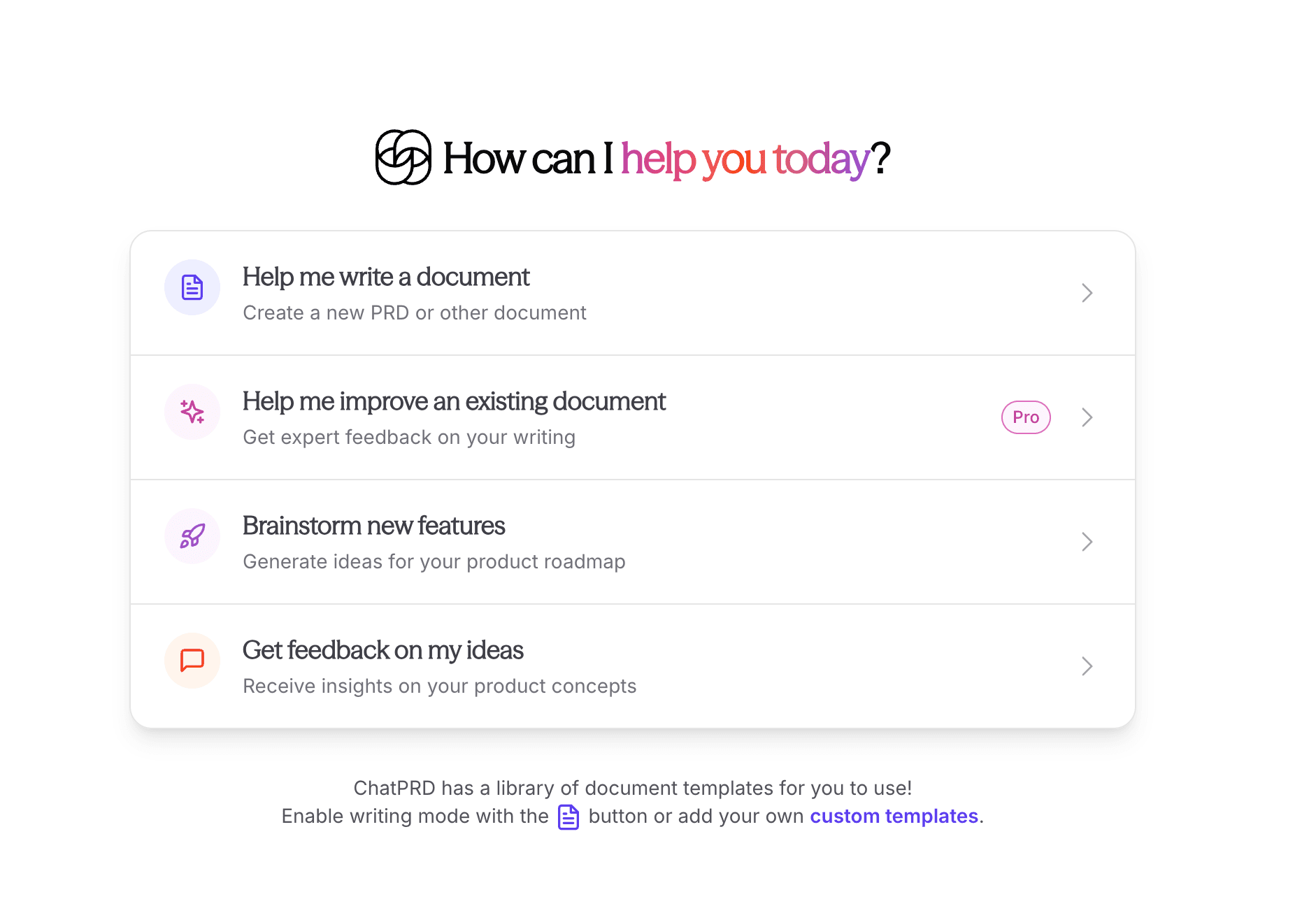
To get feedback on a document, select "Help me improve an existing document" from the home screen. This feature is available to Pro users.
Submitting your document
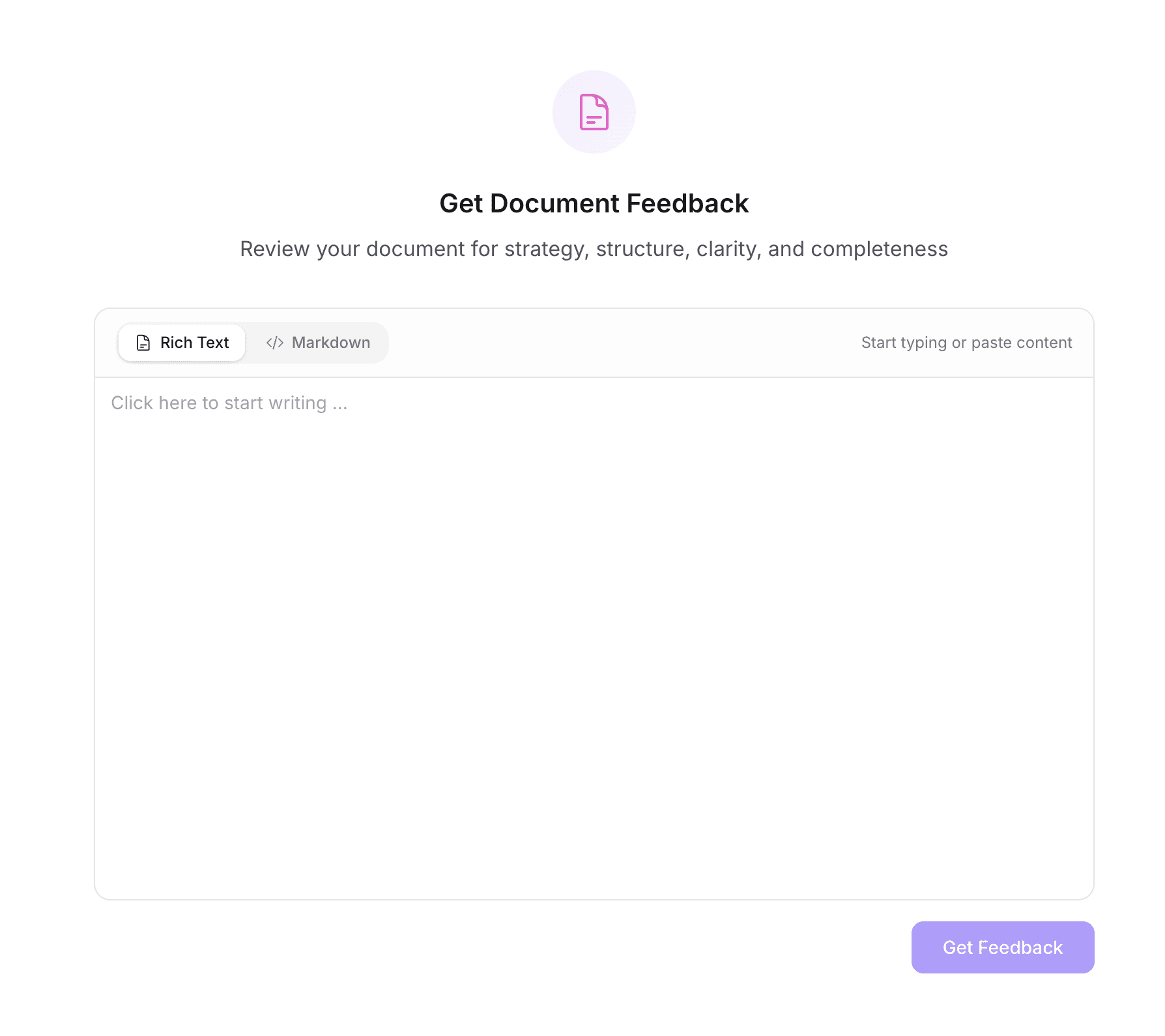
You can paste your document content in either Rich Text or Markdown format. Simply paste your content into the editor and click "Get Feedback" to start the analysis.
Understanding the analysis
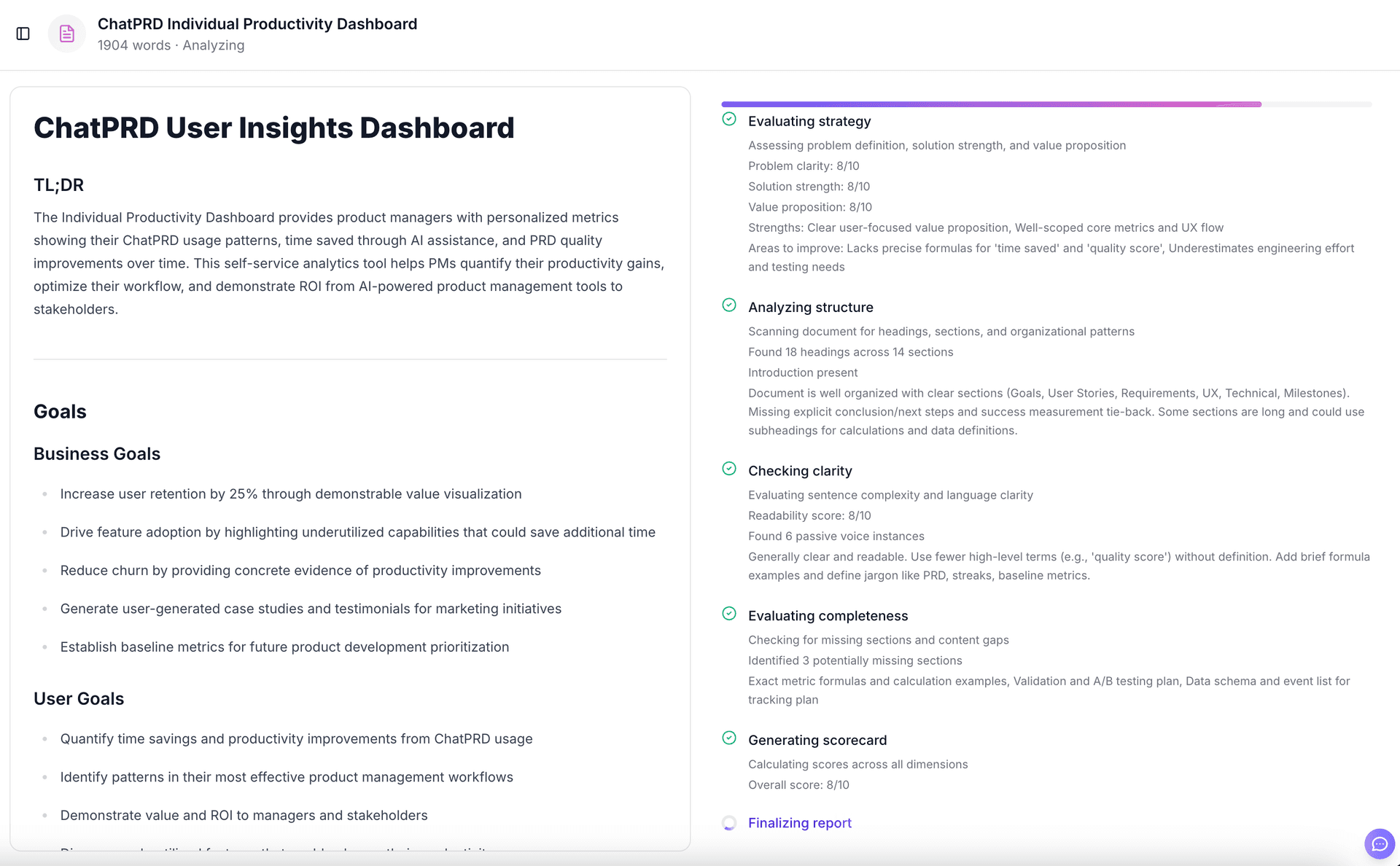
ChatPRD analyzes your document across several dimensions:
- Strategy - Evaluates problem definition, solution strength, and value proposition
- Structure - Scans for headings, sections, and organizational patterns
- Clarity - Evaluates sentence complexity and language clarity
- Completeness - Checks for missing sections and content gaps
You can watch the analysis progress in real-time as ChatPRD evaluates each dimension and generates your scorecard.
Reading your results
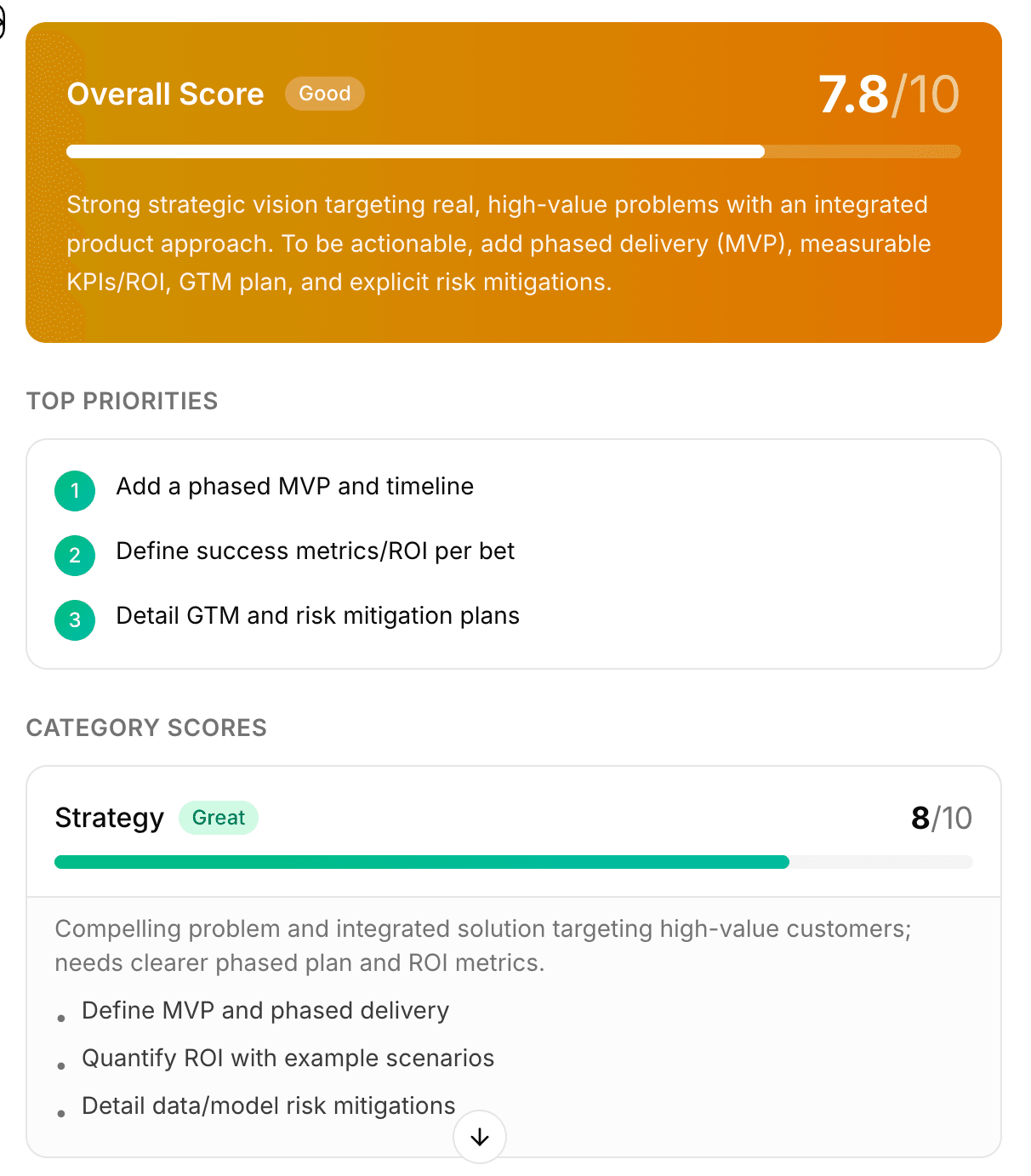
After analysis, you'll receive a comprehensive feedback report with:
Overall Score
Your document receives an overall score out of 10, along with a summary of its strengths and areas for improvement. The score is categorized as Good, Great, or Excellent based on the rating.
Top Priorities
The top 3 most impactful improvements are highlighted so you know where to focus your efforts first.
Category Scores
Each evaluation dimension (Strategy, Structure, Clarity, Completeness) receives its own score with specific feedback and actionable recommendations.
Reviewing suggestions
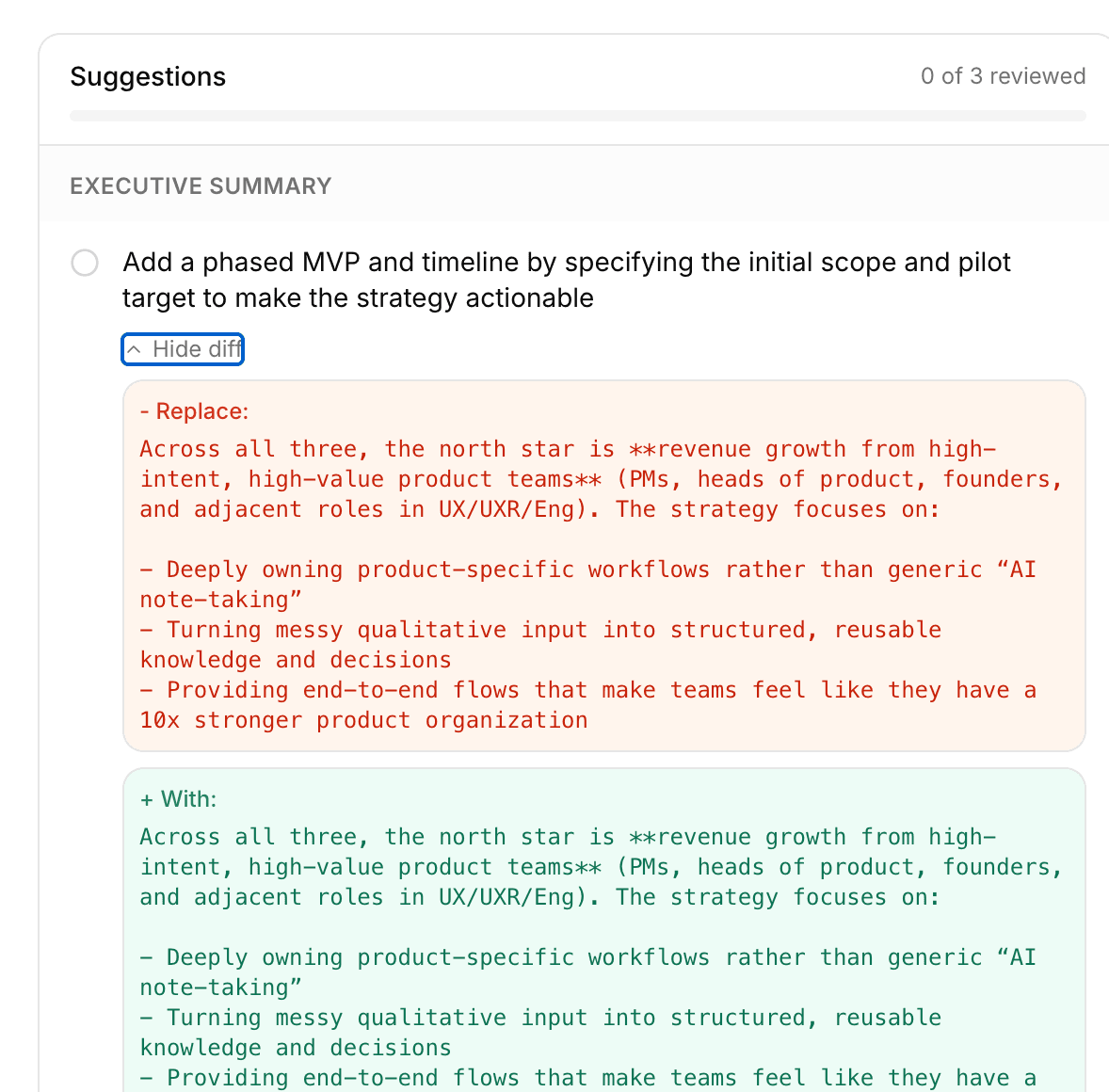
ChatPRD provides specific text suggestions organized by section of your document. Each suggestion shows:
- A description of what to improve and why
- A diff view showing the original text (in red) and the suggested replacement (in green)
- A checkbox to mark suggestions as reviewed
You can expand or collapse the diff view for each suggestion using the "Show diff" / "Hide diff" toggle.
Tips for best results
- Include your full document for the most comprehensive feedback
- Use clear section headings to help the analyzer understand your document structure
- Focus on the top priorities first for the biggest impact on your document quality
- Use the diff view to understand exactly what changes are being suggested