What's New: 7 new templates for AI builders, smarter file search, and self-serve seat upgrades
This week’s ChatPRD update features a redesigned marketing site, 7 new AI-first templates, smarter file search, self-serve seat upgrades for Teams, performance improvements, and highlights from the AI community.
This week we shipped a massive template library overhaul, made file search smarter, and gave Teams admins self-serve seat upgrades. Plus a bunch of speed and reliability wins under the hood.
Let's jump in 🥳
💖 Redesigned marketing site
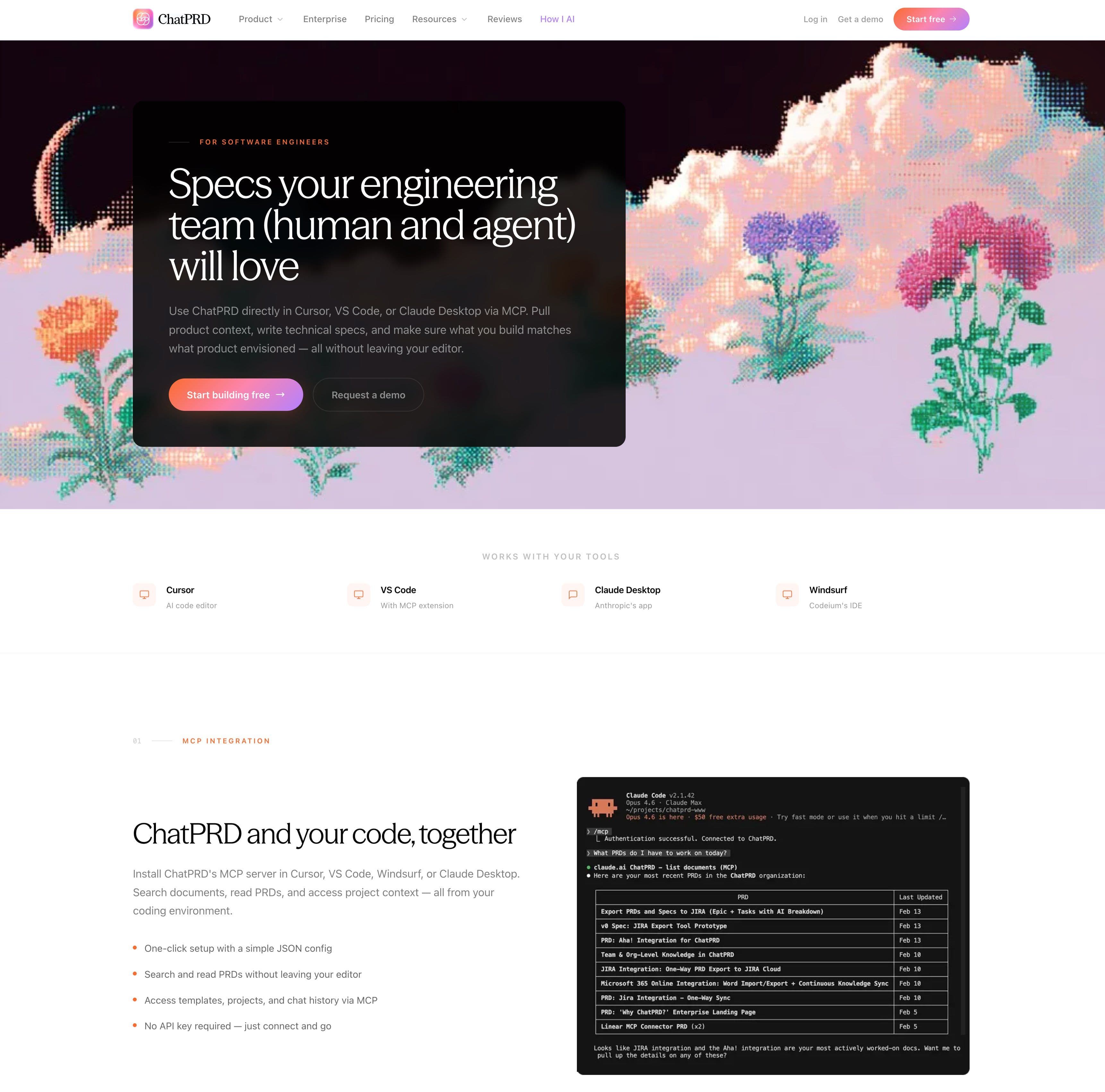
Our marketing site got a big refresh thanks for Claude Opus 4.6. The site now has tons of information for our enterprise customers, updated docs on new integrations, and lots of pretty pixelated pictures. Check it out at https://www.chatprd.ai/
📝 New Templates for AI-First Builders
We completely overhauled the system template library — and added 7 brand new templates designed for the AI-first development workflow. Whether you're planning architecture, speccing a feature, designing a database schema, or briefing a landing page, there's now a purpose-built template for it.
New templates include:
- AI Coding Rules & Standards — drop into Cursor rules, CLAUDE.md, or any AI assistant
- App Architecture Plan — tech stack, system design, data model, and infrastructure
- Database Schema Design — entities, relationships, indexes, and migrations
- Feature Implementation Spec — requirements, API contracts, UI behavior, and test plans
- Landing Page Brief — hero to CTA, ready for v0, Framer, or your design team
- Bug Investigation & Fix Plan — structured debugging from repro to prevention
- Refactoring Plan — current state analysis through rollback strategy
We also upgraded all 21 existing templates with richer section descriptions, better markdown formatting, and AI generation instructions — so every template produces significantly better documents now.
🔍 Smarter File Search
File search got a major upgrade. We've migrated to a new vector storage backend that organizes your files by workspace — so searches are scoped to your team or personal space automatically. Results now show grouped by file with clear attribution, and the project files panel supports drag-and-drop uploads.
If you've been uploading documents to your threads, you'll notice search results are more accurate and better organized.
💸 Add Seats Right from Your Billing Page
Teams plan admins can now add seats directly from Settings → Billing without leaving the app. You'll see an instant prorated price preview before confirming, so there are no surprises on your invoice.

⚡ Faster, More Reliable Chat
We made a handful of improvements that add up to a noticeably snappier chat experience:
- Faster first token — new threads no longer wait for processing before the AI starts responding.
- No more dropped messages — if you close a tab or lose connection mid-stream, the AI response still saves. No more vanishing messages.
- Large threads load reliably — threads with tons of messages no longer fail to load.
🐛 Bug Fixes
- Fixed a crash that could happen during document editing when the AI made multiple document changes in one response
- Security updates for axios and qs dependencies
🎙 How I AI
Don't forget to read the blog post and check out the individual workflows.
Reminder: If you are liking the show, please give it a rating or review ⭐⭐⭐⭐⭐! It helps people find our episodes and helps us build early momentum with the show.
You can find us wherever you like to find your podcasts:
And if you have an idea for a guest, please submit a use case!
🌟 Other Updates from the ChatPRD Universe
Not sure how to adapt to the scary new world of AI? I have 125 ideas:
I find an excuse to post my favorite meme:
How to avoid doc rot:
And some love for ChatPRD!


