Setting Up Your User Profile
Tell ChatPRD who you are: your role, company and bio, plus language, industry, personality and feedback style, so every answer is tailored to you.
Your profile personalizes ChatPRD. Anything you set here is used to tailor its responses and suggestions: your role and company, your bio, and how you like it to write and give feedback.
Open your profile
- Click your name at the bottom of the sidebar.
- Choose Profile.
You can also go to Settings > Profile. Profile is the first tab in Settings.
Basic info
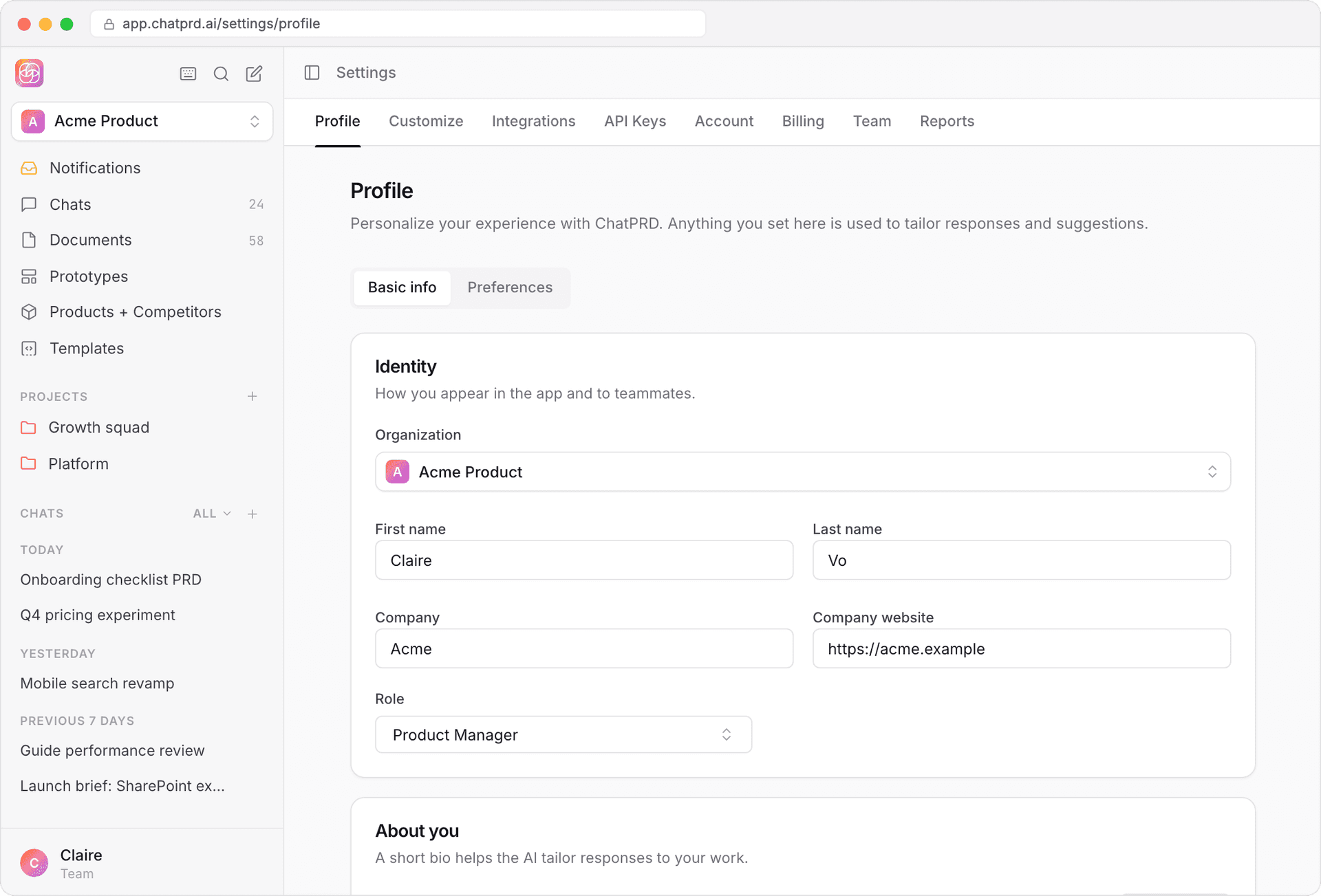
The Basic info tab has two cards.
Identity
- First name and Last name
- Company and Company website
- Role: search for your role, for example Senior Product Manager
About you
- Bio: a short description of your background and the products you work on, up to 10,000 characters.
- Generate: have AI draft your bio from your role, company and website. Add at least one of those first. Review the draft before you save.
Preferences
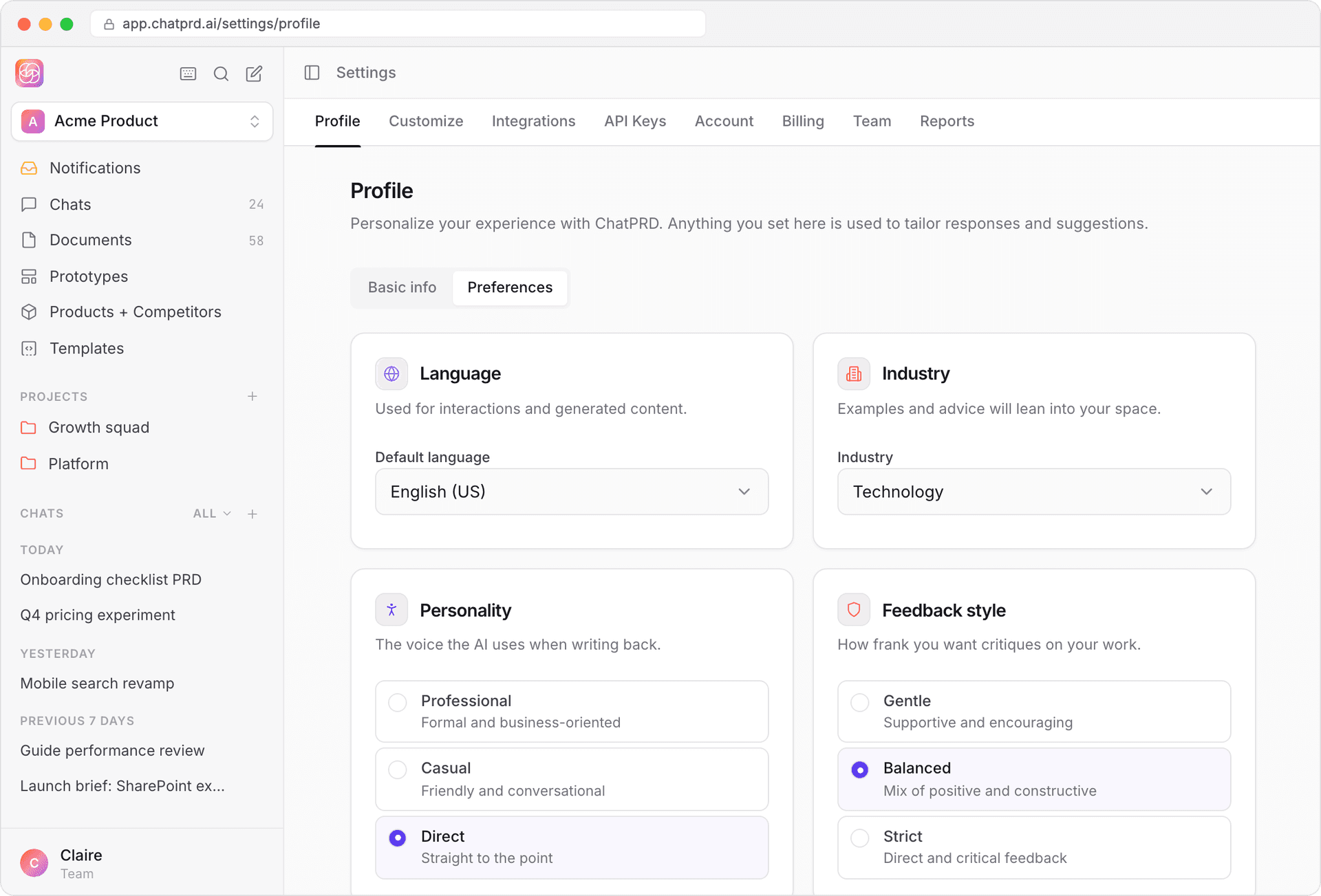
The Preferences tab has four cards:
- Language: the default language ChatPRD writes in.
- Industry: your industry, so examples and suggestions fit your market.
- Personality: the voice ChatPRD uses when writing back.
- Professional: formal and business-oriented
- Casual: friendly and conversational
- Direct: straight to the point
- Feedback style: how frank you want critiques of your work.
- Gentle: supportive and encouraging
- Balanced: a mix of positive and constructive
- Strict: direct and critical feedback
Save your changes
When you change anything, a bar appears: You have unsaved changes. Click Save changes to save (or Discard to undo). You'll see Profile saved when it's done.
Profiles for each workspace
If you belong to more than one workspace, your profile can be different in each one. Switch workspaces with the Organization row at the top of the Identity card.
Account and billing
- Email, password and connected sign-in accounts: Settings > Account.
- Plans and payment: Settings > Billing (for solo users, team Admins and Access Managers). See Managing billing and subscriptions.
Keeping your profile up to date is the easiest way to get better first drafts.